Contents
- Index
Saving Graph Pictures to Disk ("Snapshot")
Index
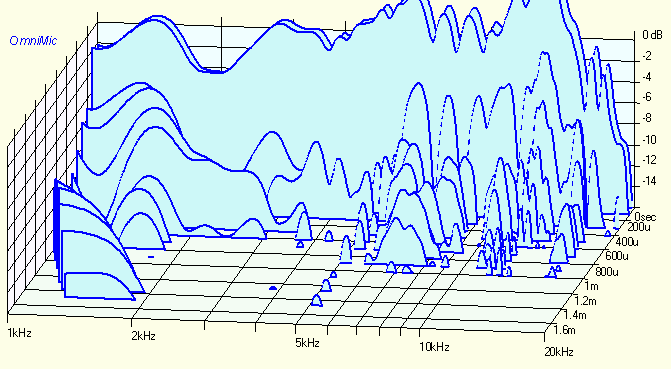
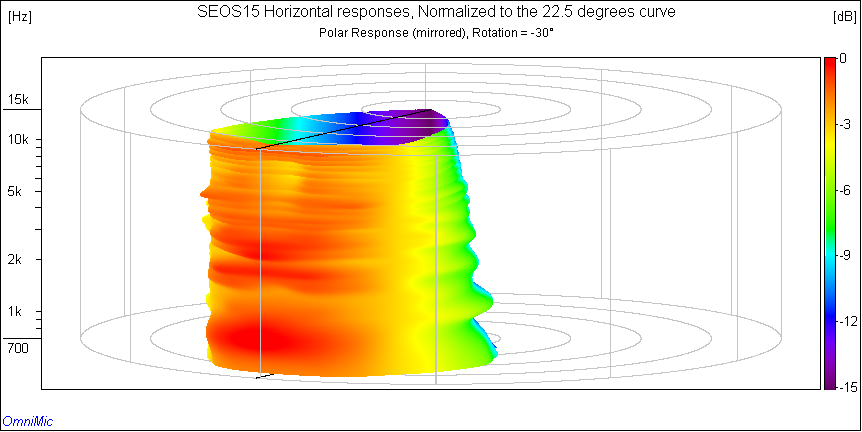
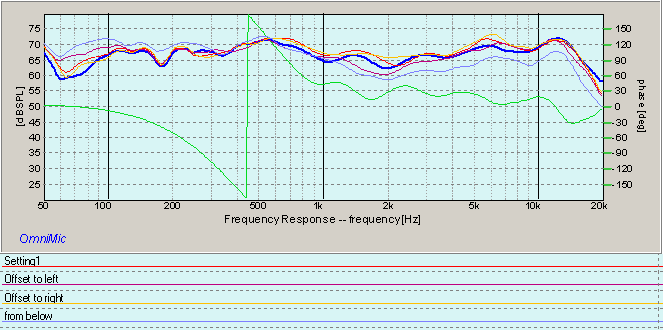
You can save a high quality picture file of the current graph by clicking on the Snapshot menu. These are useful for including into reports or published documentation, or for printing out separately using a graphics program. Buttons and controls shown on the graphs will not be saved to the file. However, if you have multiple curves (from data files) on a Frequency Response plot, a legend can be included in the graph identifying the curves with the files. You can also elect to add some notes to appear with the plot.
On most plots (not including Waterfalls or Polar displays) you can also command a snapshot from a pop-up menu that appears when you right-click on the graph.
You will be prompted for a file name. Files can be saved as bitmaps, PNG files, JPGs, PDFs, or as scalable WMF metafiles. Metafile or PDF displays can be scaled smaller or larger (when used with capable software like most word processors) without loss of resolution. Bitmaps are more universally supported, but may not expand or compress as well when inserted into documents. JPGs or PNGs are ideal for posting on internet web sites or discussion boards.